How do I cancel my Landish subscription?Updated 4 hours ago
You can cancel anytime from your Landish account.
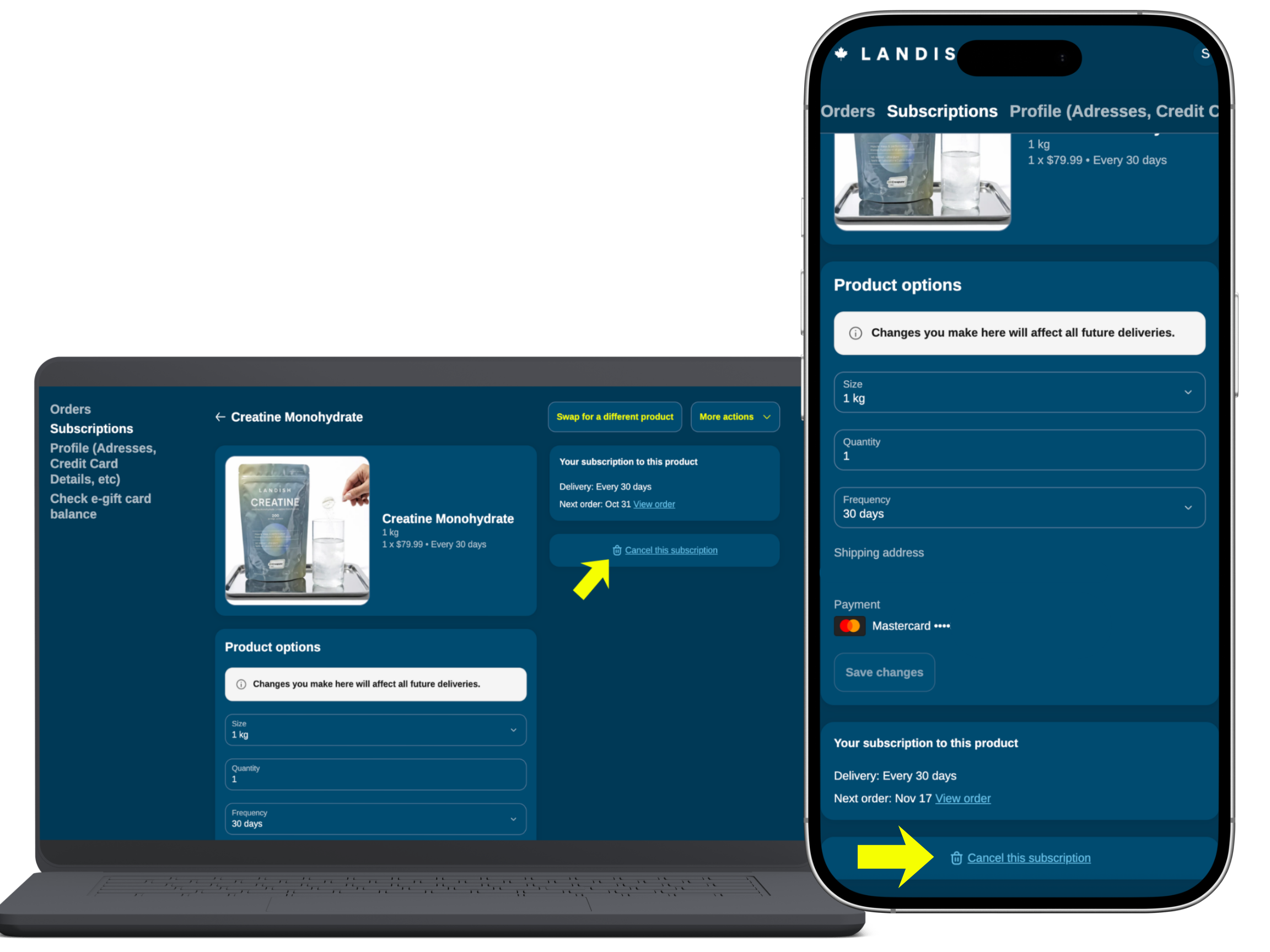
- Log in and select Subscriptions from the left menu.
- Find the product you want to cancel and click Edit options at the bottom of the product card.
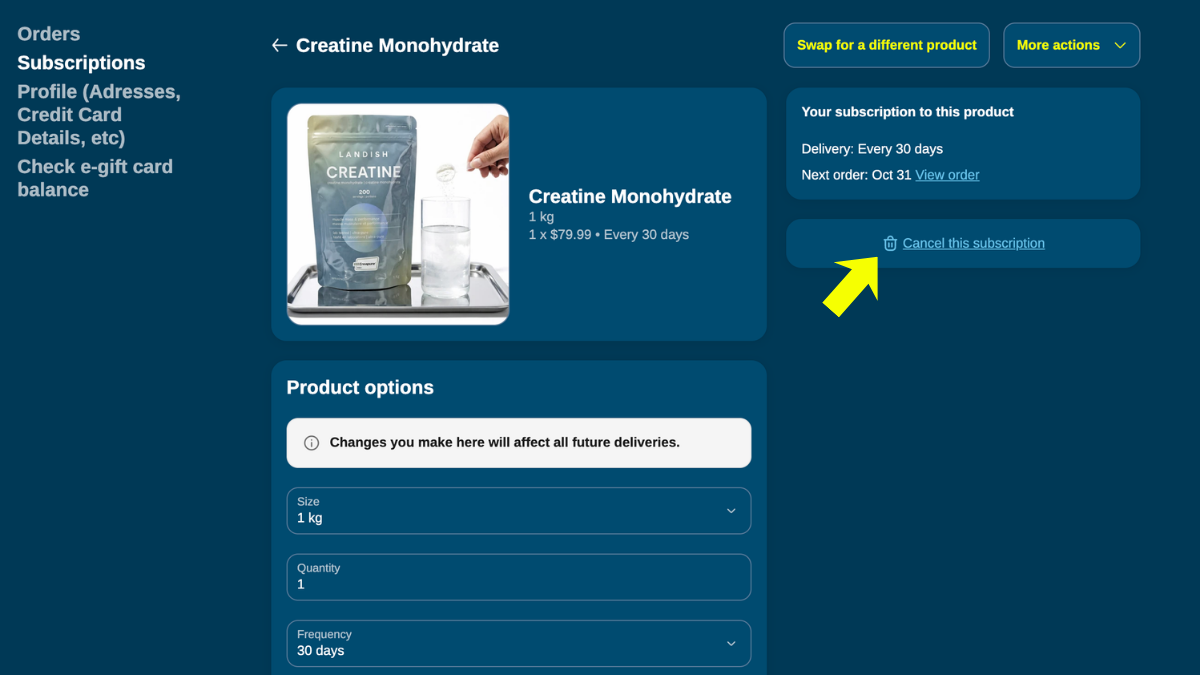
- On the right, under Your subscription to this product, click Cancel this subscription.
- Choose a reason and confirm.
Your subscription will show as inactive, and you will receive a confirmation email.
Tip: to keep your 20% subscriber savings, you can skip your next order instead of cancelling. You can also reactivate anytime.
Cancelling an order created by your subscription
- Already shipped (you received a shipping confirmation): it can't be cancelled.
- Processed but not shipped (order confirmation only): we may be able to cancel it but can't guarantee it. Email [email protected] as soon as possible.