How do I change the quantity of my subscription product?Updated 4 hours ago
Change it anytime from your Landish account.
- Log in and select Subscriptions from the left menu.
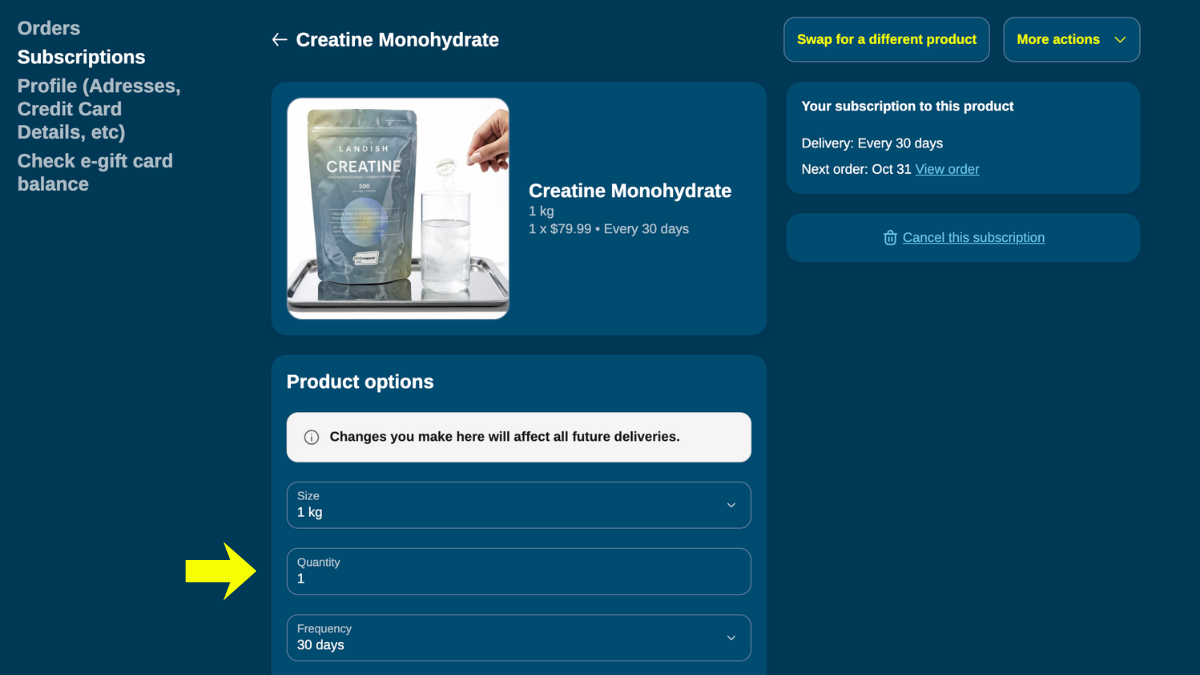
- Find the product and click Edit options at the bottom of the product card.
- Under Product options, find the Quantity box. The field can't be left blank, so type your new quantity (such as 2 or 3) next to the 1 first, then delete the 1.
- Your new quantity saves automatically and applies to all future deliveries.